Every week, project managers at engineering firms face the same grind: pulling timesheet data from one system, cross-referencing deliverable logs from another, checking budget actuals in a spreadsheet, then manually composing a client-facing status report that needs to be out by Friday. Project status reporting automation for engineering firms exists precisely to break this cycle — replacing hours of copy-paste assembly with a workflow that gathers, formats, and distributes accurate reports with minimal human intervention.
This article walks through why manual reporting creates so much drag, what a well-designed automation looks like in practice, and how to build one that fits the way AEC (architecture, engineering, and construction) firms actually operate.
Why Manual Status Reporting Is a Hidden Drag on Engineering Firms
The problem with status reports is not that they are unimportant. They are essential. Clients need visibility. Project leads need an early warning system. Principals need a portfolio view. The problem is that producing them manually is slow, inconsistent, and pulls billable staff away from technical work.
Consider a mid-sized civil engineering firm managing fifteen concurrent infrastructure projects. Each project manager might spend two to four hours per week assembling reports — pulling data from a project management tool, reconciling it with ERP actuals, and translating technical progress into language a municipal client can parse. Multiply that across your team, and a significant slice of management capacity evaporates every week before a single drawing gets marked up.
Beyond time, manual assembly creates accuracy risk. When data lives in multiple systems and a human bridges the gap, discrepancies slip through: the budget figure reflects last Thursday's export, the schedule shows a milestone that was quietly moved, and the deliverable list omits a change order that was approved after the template was started. Clients notice. Internal reviews catch it after the fact. Neither outcome is good.
What Project Status Reporting Automation Actually Looks Like
Automation does not mean a black box that generates reports no one understands. It means a structured workflow that handles the mechanical steps — data collection, aggregation, formatting, routing — while keeping humans responsible for judgment calls.
A well-designed AEC status report workflow typically involves four layers:
1. Data Aggregation from Existing Systems
Most engineering firms already have data in Deltek Vantagepoint, Newforma, ProjectSight, or a combination of spreadsheets and a general-purpose PM tool like Asana or Monday.com. The first step is connecting those sources so a single trigger — a scheduled job, a button click, or a webhook — pulls the latest actuals into one place.
This typically involves API connections or scheduled exports. For firms without developer resources, platforms like Make (formerly Integromat) or n8n can bridge systems that don't talk natively to each other. The goal is a single data layer that reflects current budget consumed, hours logged by phase, deliverable completion status, and any flagged issues.
2. Logic That Translates Raw Data into Report Content
Raw numbers are not a status report. Automation at this layer applies business rules to interpret the data: if a phase is more than ten percent over planned hours and the milestone is not yet complete, flag it as "at risk." If invoiced amount exceeds a client-defined threshold, trigger a billing alert. If a deliverable has been in review for more than five business days, surface it as a blocker.
These rules need to be defined once, with input from your project managers who already make these judgment calls mentally every week. Once codified, the system applies them consistently across every project and every cycle.
3. Report Generation and Formatting
With structured data and applied logic, generating the actual document is straightforward. Template-driven generation — whether through Google Docs, Word via the Open XML API, or a purpose-built tool — populates a pre-approved format with live values. Engineering firms typically need two versions: a technical internal report with full phase and task granularity, and a client-facing summary that emphasizes milestones, next steps, and key decisions needed.
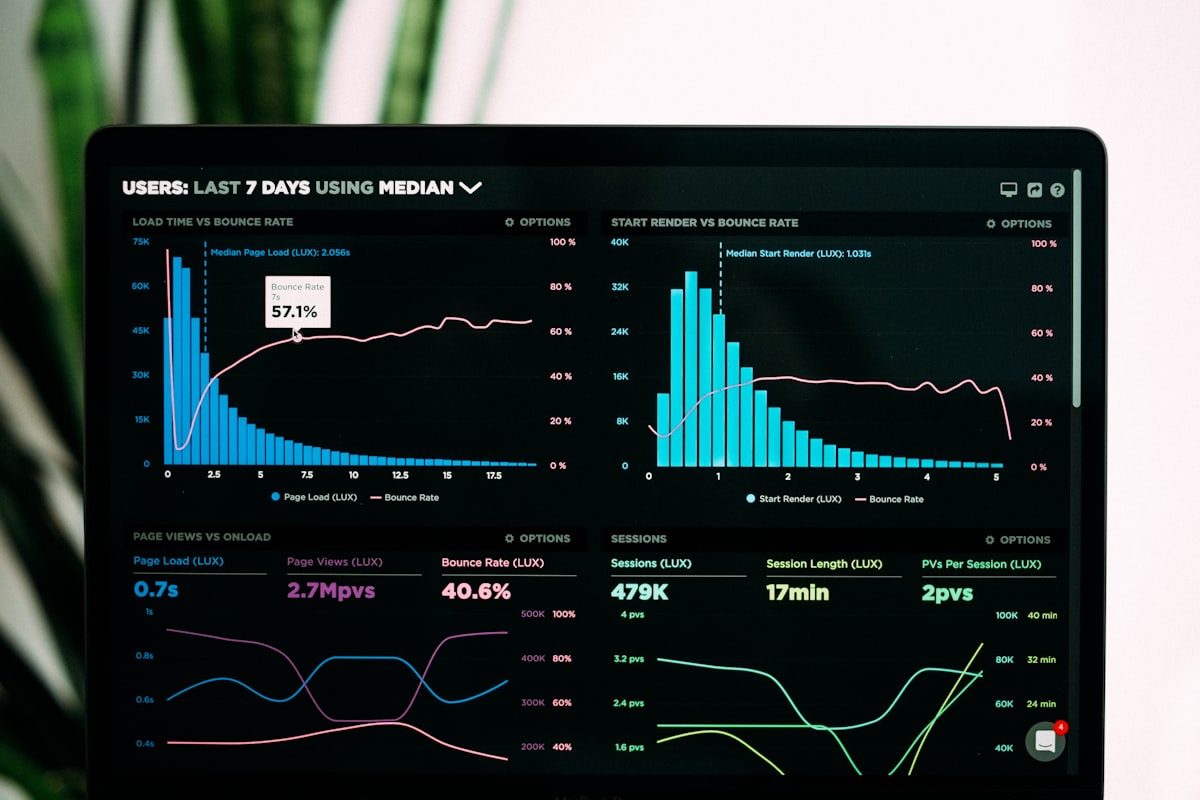
A project health dashboard can serve as the internal view, giving principals a portfolio-level read on schedule performance, budget burn rate, and open issues across all active projects simultaneously. The client-facing document becomes a polished, consistently branded PDF that goes out on schedule — not whenever a PM finishes assembling it.
4. Distribution and Acknowledgment Tracking
The final step is routing: sending the right report to the right people through the right channel, and logging that it happened. For client progress report automation, this might mean an automated email with a PDF attachment, a shared link to a client portal, or an update pushed directly into a project management platform the client already uses. Internally, the system can post a summary to a Slack channel, create follow-up tasks for flagged items, or notify a project director when a health metric crosses a threshold.
Designing for How Engineering Projects Actually Work
Generic automation advice often falls flat for AEC firms because engineering project structures have specific characteristics that need to be respected.
Phase-based billing means reporting needs phase-level granularity. A report that only shows total budget consumed is not useful for a firm billing on schematic design, design development, and construction documents as separate phases. Your engineering deliverable tracking needs to map to the same phase breakdown your contracts use — which may differ by client and project type.
Deliverables are the unit of progress, not tasks. Engineering teams do not complete generic "tasks" — they complete calculations, drawings, specifications, and permit packages. The most meaningful status report for a structural engineering firm tells the client that the foundation package is 80 percent complete and on track for the June 15 submission date, not that 43 of 67 tasks are closed. Automating civil engineering project reporting means working with deliverable lists and their completion states, not just raw task counts.
Change orders disrupt static templates. A report template built at project kickoff may no longer reflect scope by month three. Automation needs to handle this gracefully — either by pulling the current scope definition dynamically or by flagging when the report structure is out of sync with the contract.
Clients have different expectations. A private developer client may want a one-page executive summary. A public agency client may require a specific format mandated by contract. Building flexibility into your report templates — with client-specific variants that share the same underlying data pipeline — means one workflow serves all.
Where to Start: A Practical Rollout Approach
Trying to automate everything at once is a reliable way to end up with a partially-built system no one uses. A more effective path is to start with your highest-volume, most-consistent report type and build from there.
For most engineering firms, that is the weekly internal project health summary. It has a consistent structure, a consistent audience, and a consistent cadence — which makes it the easiest to automate first. Once that workflow is stable and your team trusts the output, extend it: add the client-facing variant, layer in the dashboard view, then tackle more complex projects with multi-phase billing structures.
A few principles that make rollouts stick:
- Involve PMs in rule definition. The business logic that drives automated report content needs to reflect the judgment calls your best project managers already make. If the automation flags a project as "on track" when an experienced PM would call it "watch list," the team will stop trusting the output.
- Keep a human review step initially. Even with well-designed automation, build in a ten-minute review window before reports go to clients. This catches edge cases and builds confidence. As accuracy improves, that review window shrinks.
- Treat the data layer as infrastructure. The report is only as good as the data behind it. If timesheets are entered late, if change orders are not logged promptly, if deliverable status is not updated in the source system, the automated report will reflect those gaps. Automation raises the cost of data hygiene failures — which is actually a useful forcing function for improving data discipline across the firm.
Connecting Billable Phase Reporting to Firm Profitability
Beyond client communication, automated reporting pays off internally through better visibility into billable phase performance. When every project manager is pulling data manually and formatting it differently, it is genuinely difficult to compare profitability across project types or identify which phase consistently runs over budget.
With a standardized automated pipeline, that analysis becomes routine. You can see across your portfolio which project types have the tightest fee-to-cost margins, which phases chronically exceed planned hours, and which PMs consistently deliver within budget. That is not just operational intelligence — it informs proposal pricing, staffing decisions, and the firm's growth strategy.
What Intuitional Helps Engineering Firms Build
Intuitional designs and implements workflow automation for SMB professional services firms, including engineering and AEC practices. We work with your existing tools — whether that is Deltek, Newforma, a combination of spreadsheets, or a modern PM platform — and build the connective layer that turns scattered project data into consistent, reliable reporting.
We do not sell software licenses. We build the workflow, configure the integrations, document the system, and train your team — so you own it and can maintain it.
If your project managers are spending meaningful time every week assembling reports that should be generating themselves, it is worth a conversation. schedule a conversation about your workflow to talk through what automated project reporting could look like for your firm.
Explore this topic further
Jump into the journal with one of the themes from this article.
Need clearer reporting and better operational signal?
We design dashboards, reporting layers, and decision-support systems that turn scattered data into usable visibility for the team running the work.