If you operate more than two or three restaurant locations, you already know the bottleneck: every Monday morning someone is copying numbers out of separate POS exports, pasting them into a master spreadsheet, chasing down the one manager who forgot to submit their EOD report, and hoping the formulas held together. The case to automate multi-location reporting for restaurant franchises is not about cutting-edge technology for its own sake — it is about getting reliable numbers in front of the right people before the week is already half over.
This article walks through how franchise operators can build practical, automated reporting pipelines, what data sources you need to connect, and which metrics actually matter at the franchisor and franchisee level.
Why Manual Rollups Break Down at Scale
Manual consolidation is not just slow — it compounds errors. A single transposed figure in one location's daily sales file can distort your entire brand-level revenue view. Consider a franchise group with eight locations: if each store manager submits a nightly report via email and one store uses a different POS system than the others, someone on the operations team is spending two to three hours every morning reconciling formats before a single insight is available. That is before you factor in days when a manager is on leave, a POS update changes a column header, or a file lands in the wrong folder.
The operational cost is real, but the strategic cost is worse. Decision-making based on yesterday's manually aggregated data — instead of today's live figures — means your responses to underperformance are always one cycle behind.
What "Automated" Actually Means in This Context
Automation in multi-location reporting does not mean buying a platform and hoping it connects everything. It means defining clear data contracts between your source systems and your reporting layer, then building or configuring workflows that move, transform, and deliver data without human intervention.
At a practical level, an automated daily sales rollup for a restaurant franchise typically looks like this:
- Extract: Each location's POS system (Toast, Square, Lightspeed, Aloha, etc.) outputs transaction data at a defined interval — either via API push, scheduled export, or webhook.
- Normalize: Because stores may run different POS versions or have location-specific menu configurations, a transformation step maps each source's field names and categories to a shared schema (e.g., "net_sales", "covers", "void_count").
- Load: The cleaned, normalized data lands in a central data warehouse or reporting database — Postgres, BigQuery, Snowflake, or even a well-structured Google Sheet for smaller groups.
- Deliver: Dashboards refresh automatically; exception alerts fire when a location misses a submission or a metric crosses a threshold; scheduled email digests go to franchisees and regional managers without anyone pressing send.
This pipeline can be assembled with a range of tools depending on your existing stack. For most SMB franchise groups, a combination of a POS integration layer, a lightweight ETL tool (Airbyte, Stitch, or custom scripts), and a visualization tool (Looker Studio, Metabase, or Power BI) covers the full loop.
Key Data Sources to Connect
Point-of-Sale Systems
Your POS is the primary source of truth for sales, voids, discounts, and labor hours. Most modern POS platforms expose an API or offer scheduled CSV exports. The critical step is ensuring your field mapping is consistent across locations — particularly if some stores have been running longer and have legacy menu item IDs.
Inventory and Purchasing Platforms
Franchise inventory consolidation is often the messiest part of multi-unit data. Locations may order from different distributors or manage waste differently. Connecting inventory platforms (MarketMan, Compeat, BlueCart) to your central schema lets you correlate food costs with sales in a way that a POS-only view cannot.
Labor and Scheduling Systems
Labor as a percentage of revenue is one of the most watched KPIs in restaurant operations. Scheduling platforms like HotSchedules or 7shifts expose labor data that, when paired with sales, gives you real-time labor cost percentages by location without anyone running a calculation in a spreadsheet.
Franchisee Compliance Systems
Franchisee compliance reporting — whether that is health-inspection scores, mystery shopper results, or royalty submission records — often lives in a completely separate system or, worse, in email threads. Building a simple structured intake (even a form that writes to a database) and routing that into your central reporting layer means compliance status is visible alongside operational metrics rather than managed in a separate manual process.
The Cross-Location KPI Reporting Framework
Before building dashboards, it helps to agree on a two-tier KPI structure: metrics that matter at the brand level, and metrics that individual franchisees need to run their own locations.
Brand-level metrics (franchisor view):
- Total gross and net sales by location, region, and brand
- Same-store sales growth vs. prior period
- Average ticket value across the system
- Royalty and marketing fund contribution per location
- Locations flagged for compliance action
Unit-level metrics (franchisee view):
- Daily and weekly net sales vs. target
- Labor cost percentage by daypart
- Food cost percentage vs. theoretical
- Void and refund rates (a leading indicator of training issues)
- Guest count trends and average check
The goal of multi-unit performance tracking is not to create a surveillance layer — it is to give both the franchisor and each franchisee the clearest possible picture of their own numbers, so that underperformance is surfaced early and support can be targeted.
Building a Franchise Sales Dashboard That Actually Gets Used
The most common failure mode for restaurant franchise analytics projects is building a dashboard that nobody looks at after the first week. The reasons are usually the same: the data is stale, the layout requires too much interpretation, or the dashboard answers questions nobody actually asked.
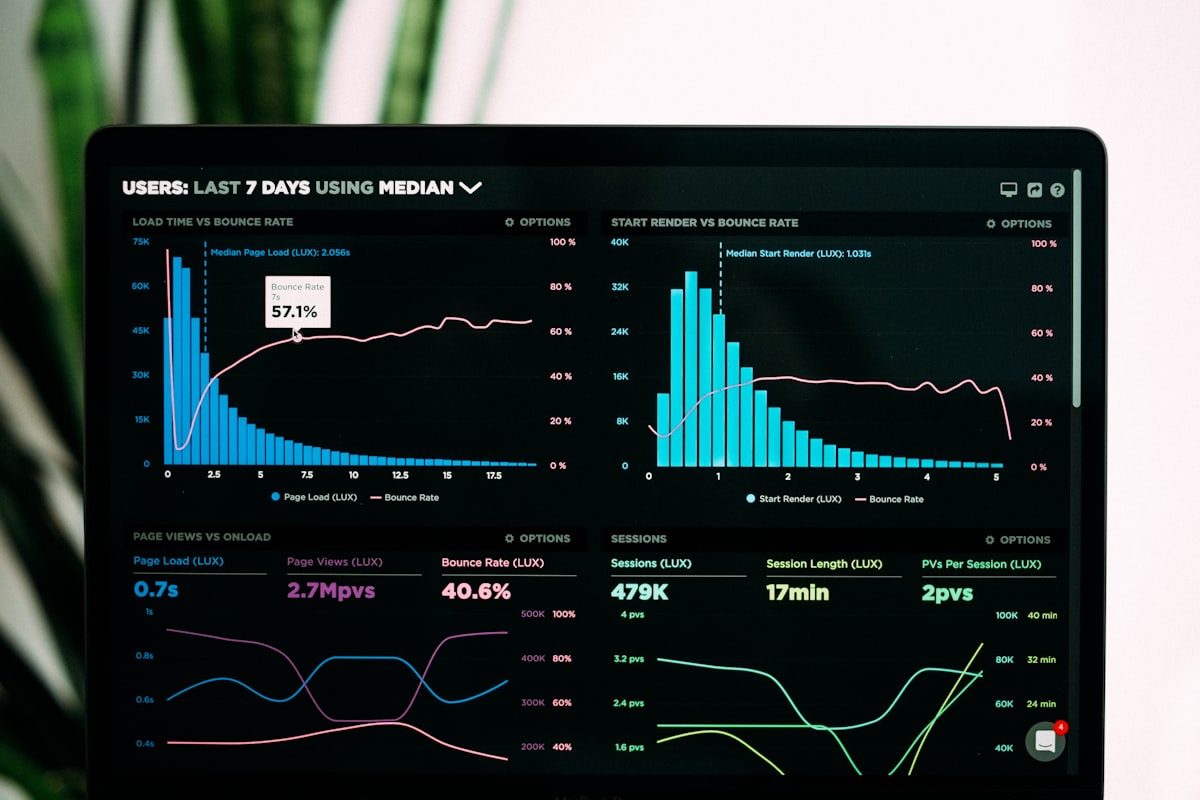
A franchise sales dashboard should be designed around decisions, not data. For a regional manager reviewing five locations, the most useful view is not a table of raw numbers — it is a ranked list of locations by current-week performance gap, with one-click drill-down into the underperformer's daily trend.
Practical design principles:
- Default to exceptions: Show what is off-track first, not everything at once. An automated alert when a location's daily sales drop more than 15% below its trailing 30-day average is more useful than a dashboard someone has to interpret.
- Time-lock comparisons: Always show the same period last year and the prior period by default. Revenue in isolation is less useful than revenue in context.
- Separate operational from financial views: The kitchen manager and the CFO are not looking for the same numbers. Build role-appropriate views rather than one master dashboard that overwhelms everyone.
Handling Common Integration Challenges
POS Systems That Do Not Have APIs
Older POS systems or niche regional vendors may not expose a modern API. In these cases, automated daily exports to a shared SFTP location or a monitored email inbox — with a script that parses the export and inserts it into your central store — are a viable workaround. It is less elegant but far more reliable than manual copy-paste.
Locations With Inconsistent Naming Conventions
When location A calls its dining room business "Dine-In" and location B calls it "In-Store," your reports will split what should be one category. Solving this requires a location-specific alias table in your transformation layer that maps local names to canonical categories before data reaches the reporting database. This is a one-time setup cost that pays dividends every day afterward.
Time Zone Differences
For franchise groups spanning multiple time zones, "end of day" is not the same moment everywhere. Your ETL process needs to store timestamps in UTC and convert to local time at the reporting layer — not at ingestion — to avoid double-counting or gaps at rollover.
What AI Adds to the Reporting Stack
Automation handles the mechanical work: moving, transforming, and delivering data. AI-assisted analytics adds a layer on top: anomaly detection that flags unusual patterns before a human would notice them, natural-language querying so a franchisee can ask "what were my top-selling items last Tuesday compared to the same day last month" without building a custom report, and forecasting models that project the current week's sales based on historical seasonality and recent trends.
These capabilities are genuinely useful, but they depend on the foundational data pipeline being reliable first. AI does not fix inconsistent source data — it reduces the manual effort required to find patterns within clean, well-structured data. The return on investing in solid pipeline architecture is higher than any analytics layer built on top of a messy foundation.
Getting Started: Where to Begin
For a franchise group that is currently managing reporting manually, the highest-leverage first step is almost always standardizing your POS configuration across locations. Consistent item categories, consistent daypart definitions, and consistent void/discount reason codes make every downstream step easier.
After that, the sequence is: connect your highest-coverage data source first (usually POS), build one reliable automated daily sales rollup, get buy-in by making that rollup genuinely useful to franchisees, and expand from there to inventory, labor, and compliance data.
Trying to connect everything at once is the most common way these projects stall. Narrow scope, fast delivery, and demonstrated value from the first pipeline are what sustain momentum through the rest of the implementation.
Conclusion
Automated multi-location reporting is not a luxury for large franchise systems — it is the operational foundation that lets a growing restaurant group make decisions based on facts rather than Friday's manually assembled spreadsheet. Whether you are running five locations or fifty, the mechanics are the same: reliable extraction, consistent transformation, and delivery in the right format to the right people at the right time.
If you are ready to move from manual rollups to a reporting stack that actually scales with your franchise, schedule a conversation about your workflow — Intuitional helps restaurant franchise operators design and implement automated reporting pipelines that fit the tools you already use.
Explore this topic further
Jump into the journal with one of the themes from this article.
Need clearer reporting and better operational signal?
We design dashboards, reporting layers, and decision-support systems that turn scattered data into usable visibility for the team running the work.

