Support managers at small and mid-sized businesses face a specific, recurring problem: they only find out a ticket violated its SLA after the violation already happened. AI SLA breach alerts for support teams change that equation by surfacing at-risk tickets before the deadline passes, giving managers a window to intervene rather than a reason to apologize. This article explains how that shift works technically, what it looks like in practice, and how to build or adopt a system that actually fits how your team operates.
Why Reactive SLA Monitoring Keeps Failing
Traditional helpdesk platforms show you SLA status as a binary: breached or not breached. Some add a color-coded countdown timer on each ticket. Neither approach helps when a manager is in a meeting, a senior agent calls in sick, or a ticket takes an unexpected technical turn that triples its resolution time.
The core issue is that reactive monitoring places the burden of awareness on humans who are already stretched. Consider an IT support team handling fifty open tickets on any given afternoon. A manager cannot manually scan each ticket to judge which ones are quietly aging toward a breach while simultaneously running a handoff call. The information exists in the system — ticket age, current assignee's queue depth, response history, customer tier — but no one has assembled it into a timely signal.
Reactive alerts also tend to trigger too late. An alert that fires when a ticket has fifteen minutes left on its SLA window does not give a manager enough time to reassign, escalate, or even draft a holding response to the customer. The result is a breach that was technically flagged but practically unavoidable.
What AI-Driven SLA Monitoring Actually Does
AI-powered support SLA monitoring works by continuously evaluating a set of variables across all open tickets and calculating which ones carry meaningful breach risk — not just which ones are oldest. The difference matters.
A ticket opened three hours ago by a high-value customer, assigned to an agent who currently has twelve other open tickets, with no first response yet, might be at higher breach risk than a ticket opened five hours ago by a standard-tier customer whose agent has already sent two replies. Purely time-based alerting treats both the same. A model that incorporates queue load, agent history, customer tier, and ticket category can score them differently.
The specific signals an AI model might use include:
- Time elapsed vs. SLA window — the raw countdown, but used as one input among many rather than the sole trigger
- Agent queue depth — how many other tickets the assigned agent is actively working
- Response activity — whether there have been recent internal notes, replies, or status changes
- Ticket category and historical resolution time — certain issue types predictably take longer; the model learns from closed-ticket history
- Customer tier or contract terms — enterprise customers or those with premium SLAs warrant earlier alerts
- Escalation history — tickets that have already been reassigned once are statistically more likely to breach again
By combining these inputs, the system can predict SLA breach risk and surface alerts when there is still time to act. That window might be two hours, not fifteen minutes.
Practical Alerting Channels: Where the Signal Goes
An alert that lands in a system no one is actively watching is not much better than no alert at all. Effective implementation means routing ticket aging notifications to wherever your support manager actually spends their attention during the workday.
Slack SLA Warnings
For teams already using Slack as their operational hub, Slack SLA warnings are often the highest-impact delivery mechanism. A well-structured Slack notification might include the ticket ID and subject, the customer name and tier, the current assignee, the time remaining before breach, and a direct link to the ticket. Routing these to a dedicated channel — something like #sla-risk — lets managers review and act without context-switching to the helpdesk interface.
Slack integration also enables two-way interaction. A manager can respond to the alert by reassigning the ticket directly through a slash command or button, without opening the helpdesk at all. That reduction in friction matters when decisions need to happen in under sixty seconds.
Support Manager Dashboard Alerts
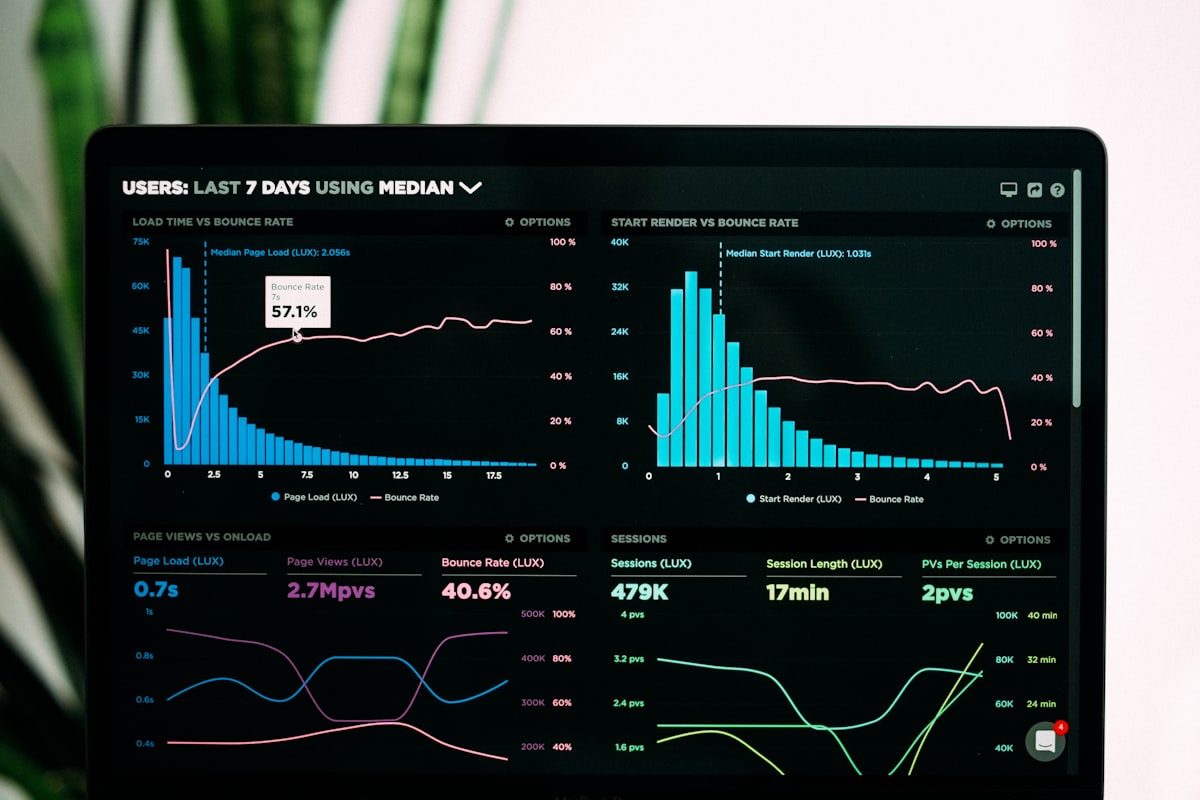
Some managers prefer a visual, aggregate view rather than individual message-by-message alerts. A support manager dashboard that shows all at-risk tickets in one sortable list — filterable by assignee, category, or time-to-breach — gives a different kind of situational awareness. This works especially well for managers overseeing larger teams where alert volume through a chat tool would be disruptive.
Good dashboard implementations include a "risk score" column that shows not just time remaining but the composite score the model assigned. This helps managers prioritize: a ticket with forty-five minutes left and a high risk score gets attention before a ticket with twenty minutes left and a low score (because that agent has a clear queue and a recent customer reply).
Email Digests for Off-Hours Coverage
For smaller teams without dedicated overnight support, a scheduled email digest — sent at the end of business or at the start of an overnight shift — can summarize all tickets at risk of breaching before the next morning. This is less real-time than Slack but more appropriate for contexts where a manager is not expected to be responsive in the evening.
Building Proactive Escalation Into the Workflow
Alerting is only half the system. Proactive escalation AI takes the next step by automatically triggering defined actions when certain thresholds are crossed, without waiting for a manager to see and respond to an alert.
For example, a firm might configure a rule like: if a ticket has been in "waiting on agent" status for seventy percent of its SLA window with no activity in the last hour, automatically reassign it to the on-call backup agent and send a Slack notification to the support lead. This happens without anyone manually reviewing the ticket aging notifications first.
Escalation automation requires more careful configuration than alerting — the rules need to match how your team actually works, and misconfigured automation can create confusion or duplicate effort. But when the rules are well-defined, this layer reduces the number of breaches that happen simply because no one noticed in time.
Common escalation triggers include:
- No first response within a percentage of the first-response SLA window
- A ticket reopened by the customer after a resolution, with no agent acknowledgment within a defined period
- A ticket categorized as high-priority sitting unassigned for more than a set interval
- Agent status changes (logging off, going on break) that leave assigned tickets unattended
Implementation Considerations for SMB Teams
Larger enterprises often have dedicated operations teams to build and maintain SLA monitoring infrastructure. Smaller teams need solutions that are faster to set up and easier to maintain without specialized engineering resources.
A few practical considerations:
Start with your existing helpdesk data. Most modern helpdesk platforms — Zendesk, Freshdesk, Intercom, Help Scout — expose ticket data through APIs or native integrations. The AI layer typically connects to that data source rather than replacing the helpdesk itself. You do not need to migrate your ticket history to get started.
Define your alert thresholds before you configure anything. The question "at what point do we want to know a ticket might breach?" should have a clear answer before you write a single integration. For many teams, alerting at fifty percent of the SLA window for high-priority tickets and seventy percent for standard tickets is a reasonable starting point, but the right answer depends on your average resolution times and your team's capacity to act on alerts.
Avoid alert fatigue by being selective. A system that fires alerts on every ticket at every threshold quickly becomes noise that managers tune out. Prioritize the signals that require human judgment — use automation to handle the ones that have clear, rule-based responses.
Track breach rate before and after. The clearest measure of whether the system is working is your SLA compliance rate over time. Establish a baseline before you implement anything, then measure again at thirty and ninety days. Improvement in compliance rate, combined with a reduction in the number of escalations that surprise managers, indicates the system is functioning as intended.
The Broader Case for AI in Support Operations
SLA monitoring is one application of a broader shift: using AI to give support managers operational visibility they simply cannot maintain manually at scale. The same data infrastructure that powers breach alerts can feed into queue health metrics, agent workload balancing, and customer sentiment tracking.
For SMBs, the value of this infrastructure is not just operational — it is competitive. Customers increasingly expect responsive, consistent support, and failing SLAs are one of the clearest signals that a vendor is not meeting that standard. Catching at-risk tickets early does not just protect individual renewals; it shapes how customers perceive the reliability of your business overall.
Proactive escalation AI and real-time alerting are not tools that replace support managers — they expand what a manager can track and respond to without burning them out or requiring a larger headcount.
Getting Started With Intuitional
If your team is regularly discovering SLA breaches after the fact, the problem is almost certainly a monitoring gap rather than an effort gap. The agents and managers are working — they just do not have the signals they need at the right time.
Intuitional builds custom AI workflow automation for SMBs, including SLA alert systems that integrate with your existing helpdesk, CRM, and communication tools. We configure alerting thresholds, escalation rules, and dashboard views to match how your team actually operates — not a generic template.
schedule a conversation about your workflow to talk through what a support SLA monitoring setup would look like for your team.
Explore this topic further
Jump into the journal with one of the themes from this article.
Need clearer reporting and better operational signal?
We design dashboards, reporting layers, and decision-support systems that turn scattered data into usable visibility for the team running the work.